
Keep the whole performance in frame
Choose the output shape first, then distinguish a video’s real frame from the crop used by a card or social app.
The short answer
The output aspect ratio determines the video frame. A website thumbnail or another app can display that frame differently. Before sharing, inspect the downloaded file and check that the lead, keyboard and important band action remain visible.
In this guide
What to check
| Step | Check |
|---|---|
| Choose the destination before the format | A portrait feed and a wider concert view have different needs. |
| Separate the file from its preview box | A clipped thumbnail does not prove the file is clipped. |
| Inspect the important edges | Check instruments and gestures as well as faces. |
| Check the receiving app’s crop | A second app can make a new framing decision. |
| Keep a checked master file | Do not use a screenshot as the shareable video. |
Choose the destination before the format
Decide where you plan to show the video. A vertical frame suits a portrait viewing area, while a wider view can show more of the band. Use only the formats offered for the selected mode and model.
Changing the output ratio can change composition, not simply add empty space. Check the current quote after any setting change.
Separate the file from its preview box
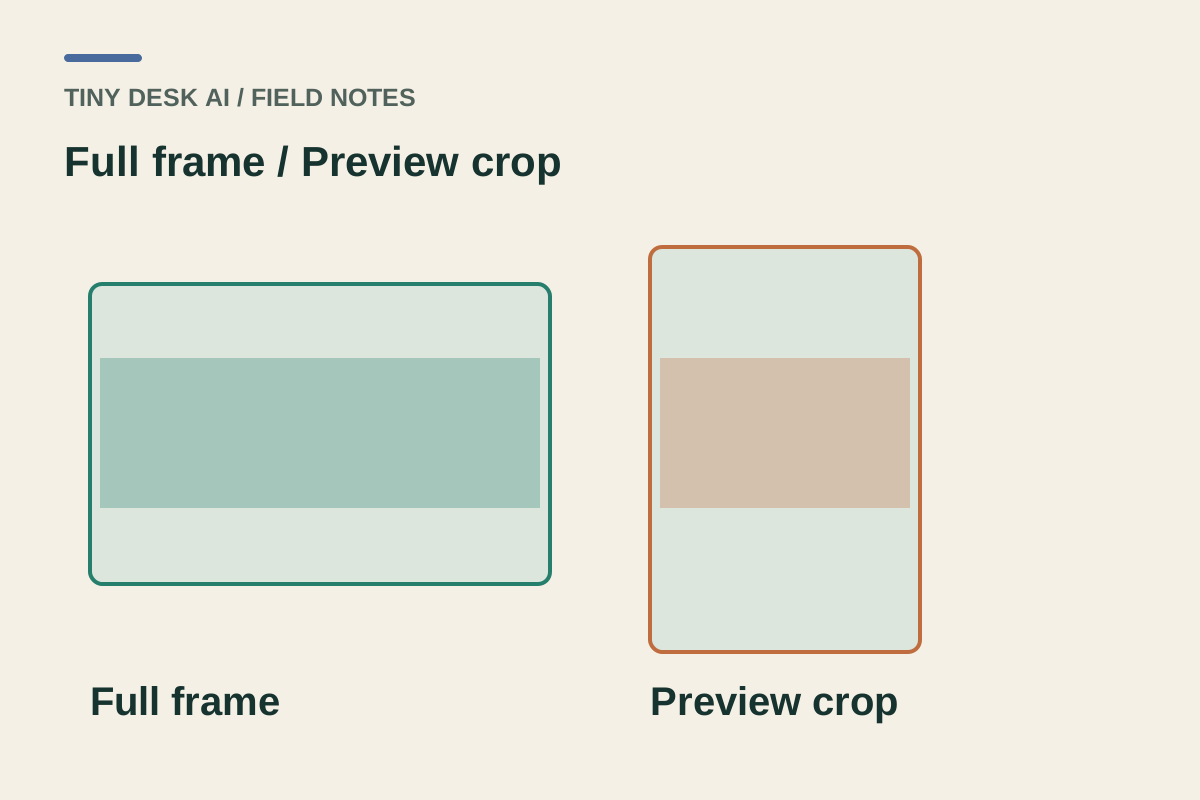
A card can crop a video to fit its layout. Open the full player and compare the selected work with the saved file before assuming the output has lost a head, keyboard or supporting performer.
Black bars can mean the player is preserving the entire frame. They are not automatically missing video content or a broken generation.
Inspect the important edges
Review the lead’s head, the keyboard corners, the microphone and any backing performer’s raised arm. A face can be centred while the action that explains the reference falls outside the crop.
For pets, include ears, paws and enough body to read the posture. Do not judge the result only from a face close-up.
Check the receiving app’s crop
After uploading the checked file, use the receiving app’s preview. Its fill setting may crop the sides or top even when the source file contains them. Reposition only after checking the whole performance.
If you add a title, leave room around faces and instruments. Interface overlays can hide information that was visible in the original player.
Keep a checked master file
Save the complete file you reviewed. Compare the posted preview with that master when you notice a crop or quality difference. A screenshot of a video card is only a still image.
Repeated re-encoding or re-uploading can make comparison harder. Keep the original saved version and label any later cropped edit clearly for your own records.
Questions about this task
No. They can preserve the complete video frame inside a differently shaped player.