
How to make your Tiny Desk AI version
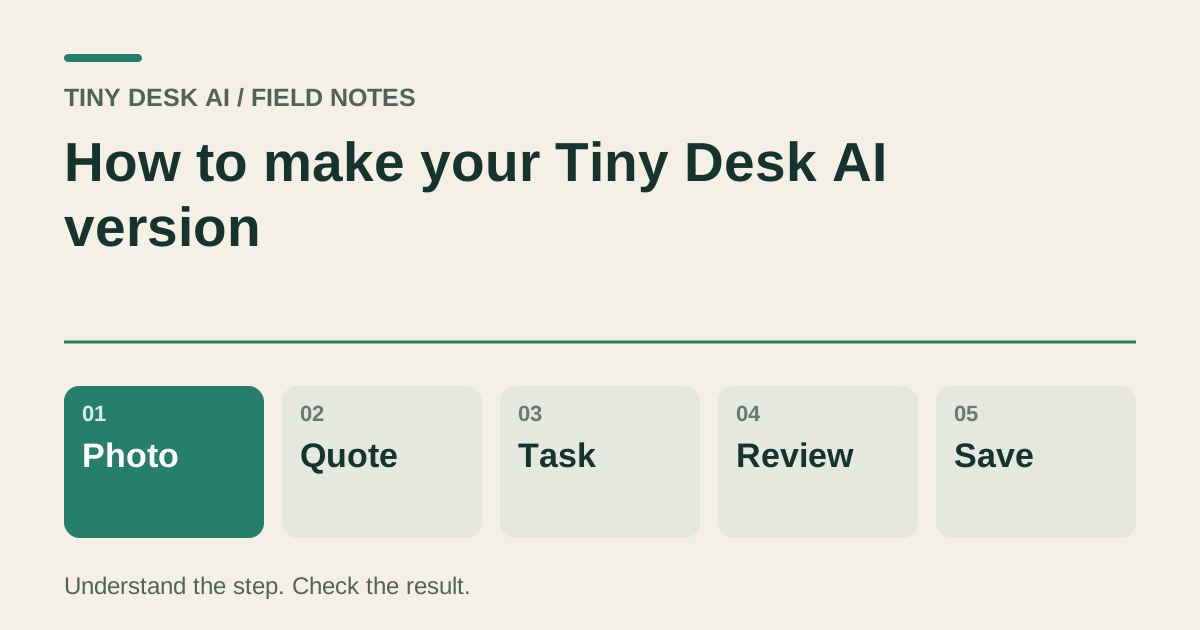
Prepare a clear photo, review the office-concert version and credit quote, then check the full video before saving.
The short answer
Start with an authorized photo of the person or pet you want to feature. Check the available subject mode and the exact duration, format and quote in the studio. A new generation is its own interpretation of the office-concert performance; it does not automatically reproduce every cut.
In this guide
What to check
| Step | Check |
|---|---|
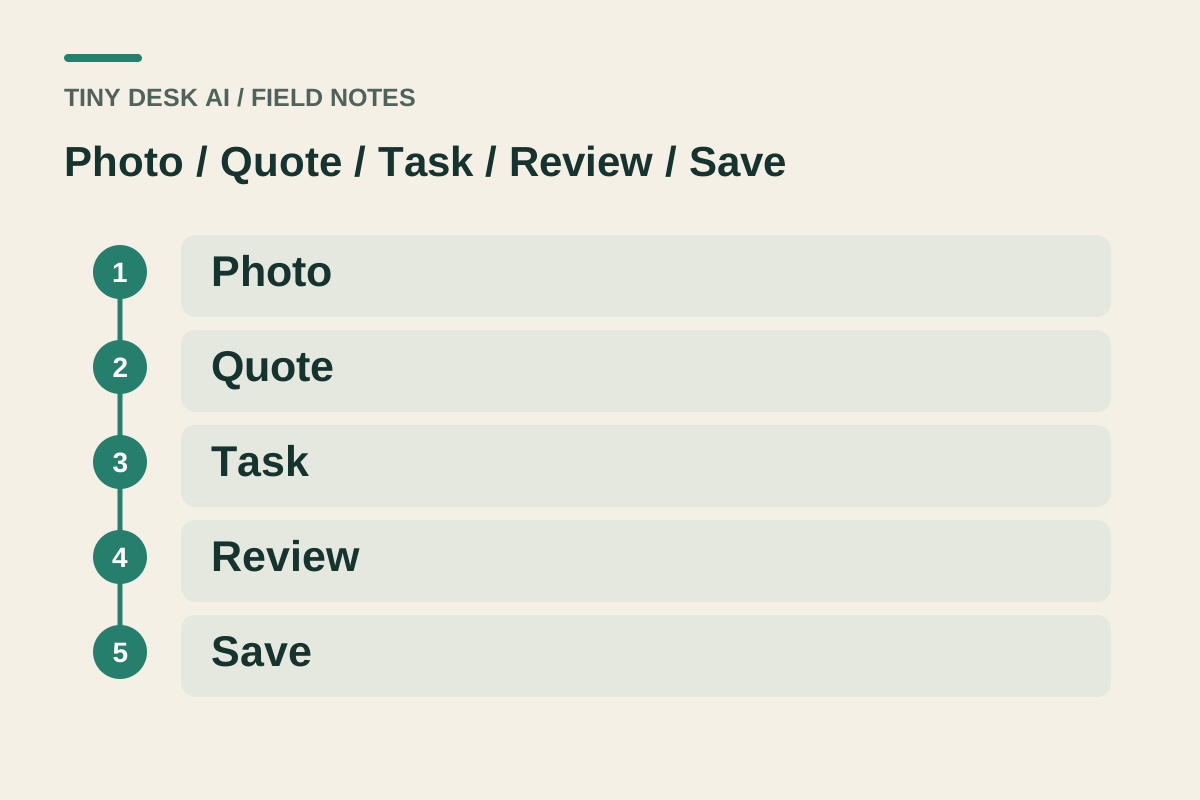
| Choose the lead before choosing the look | Your photo identifies the intended lead. |
| Prepare the source photograph | Check orientation, visibility and permission. |
| Review the version and the complete quote | Duration and sound come from the selected settings. |
| Submit once and follow the work record | Keep an unresolved task associated with its original record. |
| Save the version you have checked | Open the downloaded file before sharing it. |
Choose the lead before choosing the look
Pick a photo that shows the person’s face or the pet’s markings clearly. Use a photo of yourself, a consenting friend or an animal you have permission to depict. A crowded group photo makes it harder to establish who should lead the performance.
Think of the office band as the setting and supporting cast. If the studio offers only one identity slot, uploading a group image does not create five separately controlled performers. Only fill the input slots that the current mode requests.
Prepare the source photograph
Open the image at normal size before uploading it. Keep the face, ears or other identifying features unobstructed. Remove accidental screenshots, borders or unrelated foreground objects by choosing a cleaner source rather than repeatedly submitting the same unclear picture.
The reference photograph supplies appearance. It does not supply a voice recording, instrument skill or permission to use a song. Keep those expectations separate from the visible photo requirements.
Review the version and the complete quote
The Tiny Desk meme is often shared as a longer sequence with several camera cuts. A 15-second version is a shorter interpretation. Check the studio’s current duration, resolution and aspect ratio rather than treating a reference clip as the specification for your order.
Read the complete credit quote after setting the available options. Signing in or uploading a photo is separate from submitting a generation. Follow any service-availability message at the relevant action.
Submit once and follow the work record
When the inputs and quote are ready, submit once. Follow the resulting work card through its displayed stages. A queued or processing state means the current request still needs a result; creating another request is not a way to inspect it.
When the video is available, watch from beginning to end. Check the lead’s appearance, the keyboard and microphone, the background performers, camera changes and ending. Listen separately for voice changes, silence and abrupt sound transitions.
Save the version you have checked
Use the download action on the selected completed work and play the saved file. Confirm that its duration, framing and sound match the version you reviewed. Keep the source photo and the selected work together if you want to compare another attempt.
If something is wrong, note the time range and the visible or audible fault. Contact support with the work and settings. A support report does not promise a free redo; another generation has its own quote.
Questions about this task
No. A photograph provides appearance, not the original singer’s voice or a music licence. Review the sound available for the selected model and listen to your complete result.