
Check identity and outfit continuity
Compare the source photo with the lead after each camera change, and separate preset styling from identity drift.
The short answer
Choose a few visible comparison points in the source photo, then check them across the full video. A new office-concert scene can introduce clothing and unseen body details. That is different from the face, hair or pet markings changing partway through the clip.
In this guide
What to check
| Step | Check |
|---|---|
| Choose comparison points you can actually see | Use visible features rather than an imagined perfect likeness. |
| Separate styling from identity | A different shirt and a different person are different issues. |
| Check the first view and every return | Camera cuts can hide continuity faults. |
| Review animals with species-specific cues | Keep the pet’s markings and structure in view. |
| Report the smallest concrete change | Keep the evidence linked to this work. |
Choose comparison points you can actually see
Before generation, note several clear features: face shape, hair length, glasses or distinctive pet markings. Those give you a specific basis for review. Do not rely only on whether the result feels familiar at a glance.
Hidden features cannot be established from the photo. If the input shows only the head, it does not determine trousers, shoes, hands or the back of a jacket.
Separate styling from identity
The office-concert preset may place the lead among a keyboard, microphone and supporting musicians. Clothing or accessories introduced by that scene should be judged as generated styling, not evidence that your original outfit has been reproduced.
Identity drift concerns who appears to be performing. Watch for changing facial structure, hair, markings or body proportions within the same clip, especially around head turns and cuts.
Check the first view and every return
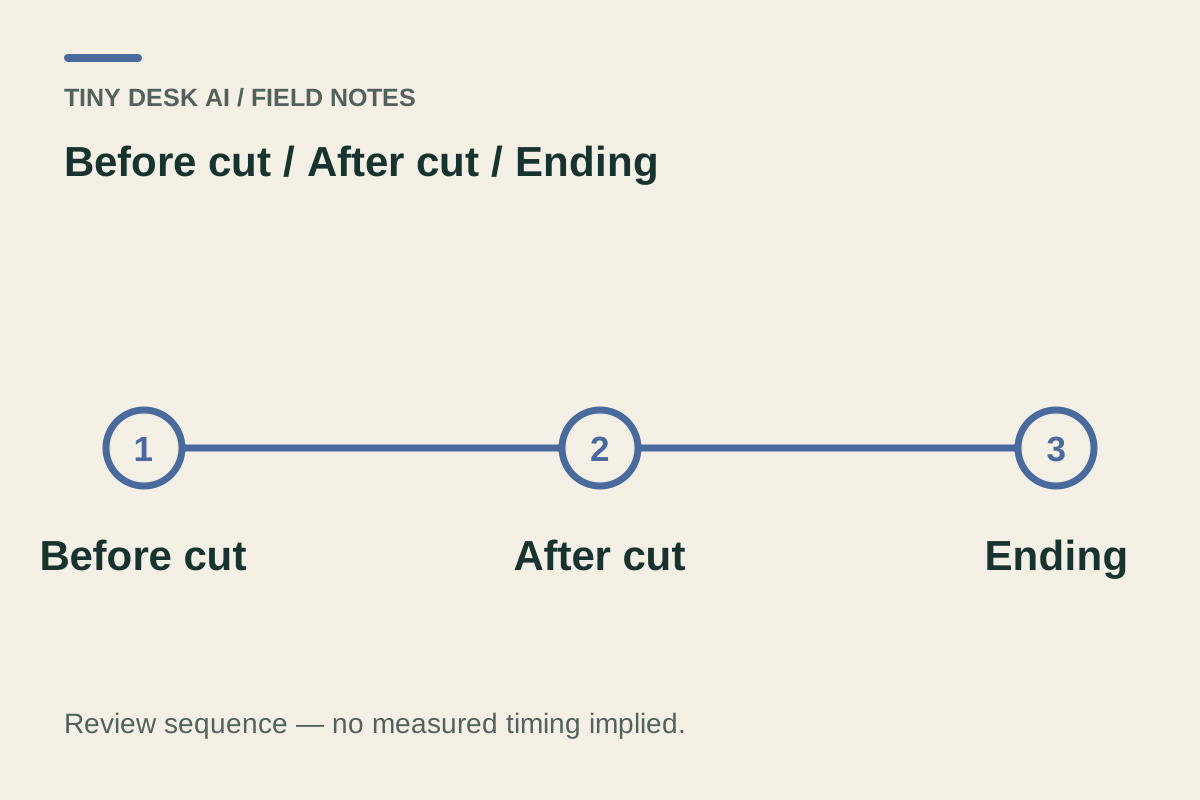
Watch the opening, the lead’s return after a band cut and the final close view. Pause only after one uninterrupted playback, so a sequence of individually attractive frames does not distract from a changing identity.
Look at nearby accessories too. Glasses, headphones and microphone position can reveal a jump even when the face remains plausible. Record the time range rather than describing the whole video as wrong.
Review animals with species-specific cues
For a pet lead, compare ear shape, muzzle, coat pattern, body size and the number and attachment of limbs. Generated gestures around a keyboard need more than a human-like face comparison.
A prop should not become part of the animal’s body. Watch the transition from paws to instrument and the return from any camera cut. Human and pet continuity are separate quality questions.
Report the smallest concrete change
Report the interval and the feature that changed, together with the selected work and settings. A source photo plus “glasses disappear after the cut” is more useful than a general request for a better face. Contact support
Do not treat an unresolved task as a failed one or assume a different model fixes identity. If you decide on another generation, inspect its new quote and compare the complete outputs.
Questions about this task
Not necessarily. Separate the preset’s generated styling from a sustained change in the subject’s recognisable features.