
Understand quotes and credits before generating
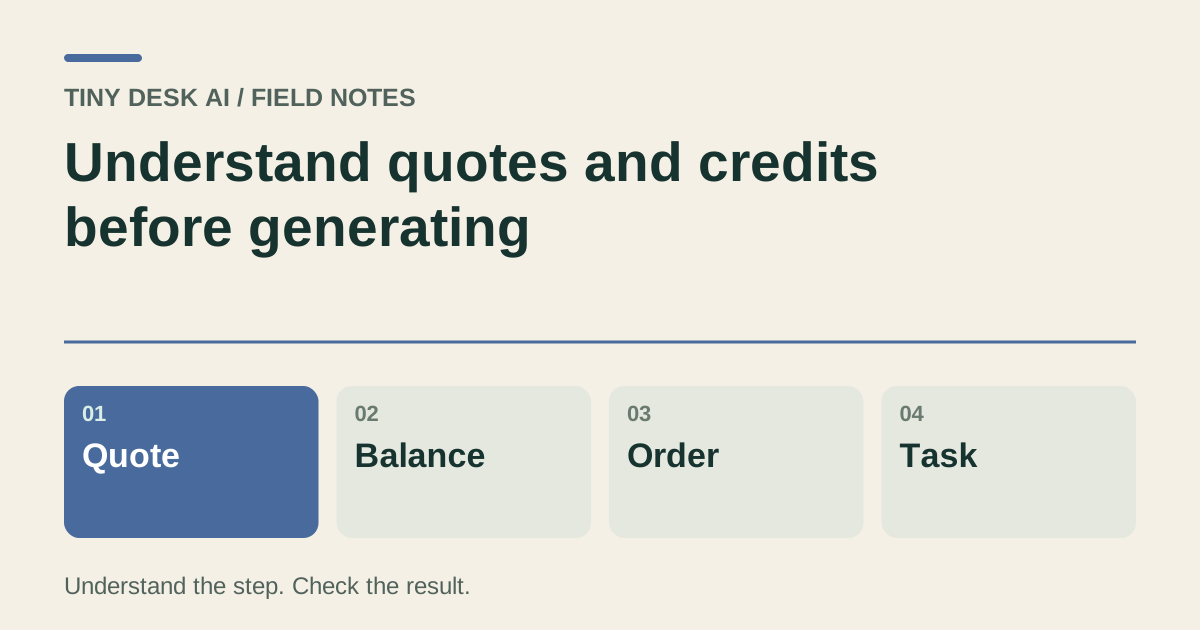
Separate the generation quote, credit balance, payment, task and completed video.
The short answer
Use the current complete studio quote for the selected input and settings. A credit balance, a checkout return and a completed video are different states. Review the price and allowance of a pack or subscription without assuming a fixed number of videos from its name.
In this guide
What to check
| Step | Check |
|---|---|
| Read the quote after choosing settings | A different specification can have a different cost. |
| Keep a balance separate from an allowance | Credits do not imply an identical cost per video. |
| Compare quality options on the same basis | A cheaper route must include its real later steps. |
| Distinguish checkout from payment settlement | A browser return is not the balance record. |
| Understand a task failure separately from a refund | Credit handling and cash refunds are different. |
Read the quote after choosing settings
Select the available model, duration, resolution, aspect ratio and any actual post-processing before reading the final quote. An external example’s settings do not establish your request’s price.
The quote is for the current request. If you change a setting or input mode, wait for the updated amount before submitting.
Keep a balance separate from an allowance
A pack or subscription adds the credit allowance described in its terms. The number of videos depends on each actual quote, not simply the package name.
Read the price, billing interval, credit grant interval and expiry terms. A monthly payment and a one-time pack are different purchases even if both use credits.
Compare quality options on the same basis
If the studio offers a lower-resolution render followed by upscaling, compare its complete quote with a direct higher-resolution version using the same model, duration and ratio.
Upscaling can change pixel dimensions; it does not guarantee corrected identity, motion or sound. Do not treat a larger player window as a paid resolution upgrade.
Distinguish checkout from payment settlement
Choose the payment method offered for the selected product and follow its official checkout. After returning, check your payment history and actual balance.
If the payment state is unclear, follow the existing order record. A processing return page is not proof of entitlement, and buying credits does not automatically submit a video.
Understand a task failure separately from a refund
Keep the task and any related credit entries together when reporting a failure. A returned generation allowance is not the same as a cash refund for a purchase.
Read the current refund policy for purchase questions. Another generation is a separate request with a new quote; a support conversation does not promise free repetition.
Questions about this task
No. Divide the available allowance by the actual quotes for the settings you use; do not infer a fixed count from a package name.