
Recover a photo upload without duplicate tasks
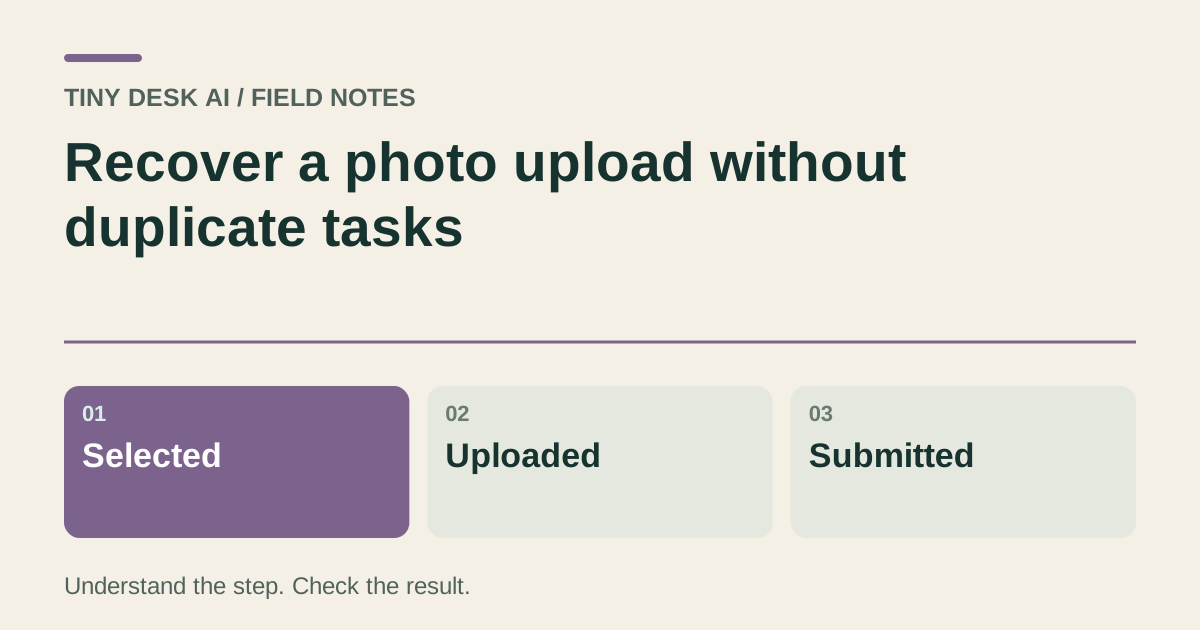
Distinguish selecting a file, finishing an upload and submitting a generation when a connection is slow.
The short answer
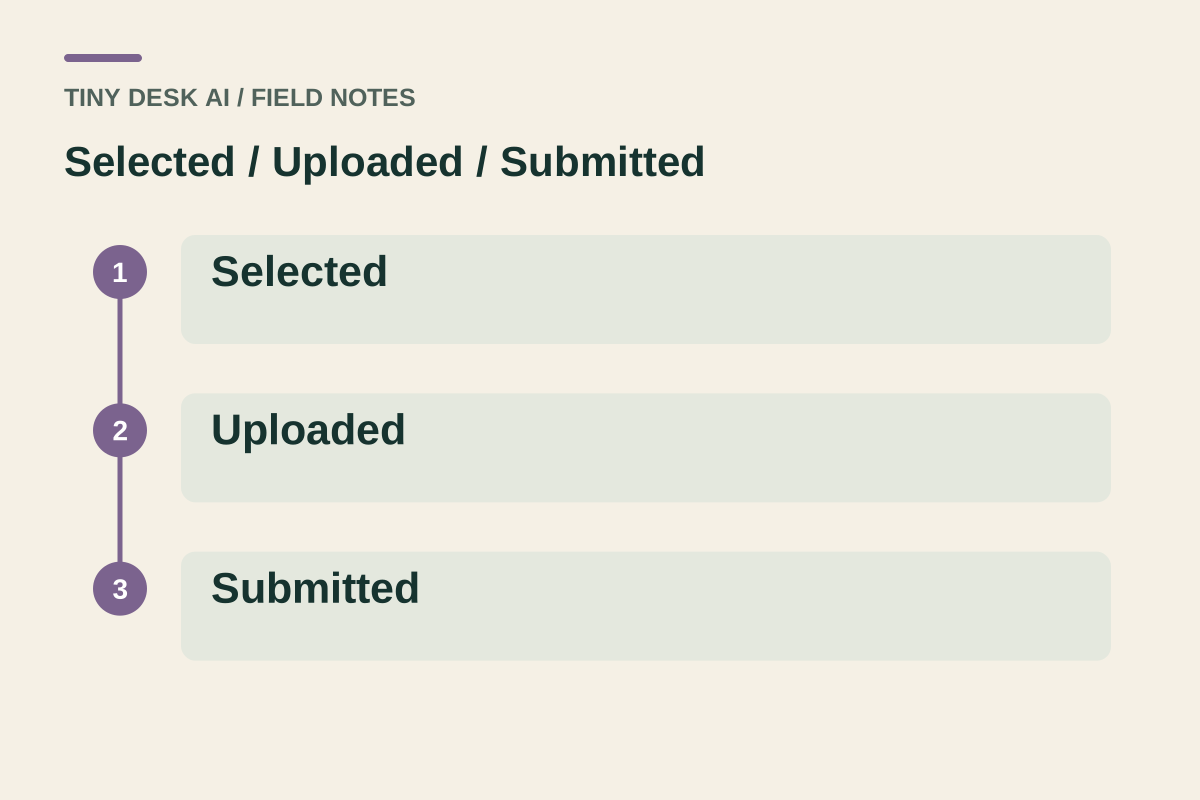
A local thumbnail means a file has been selected. It does not by itself establish that the upload or generation is complete. Check the state shown by the current input and work record before replacing the file or submitting another request.
In this guide
What to check
| Step | Check |
|---|---|
| Find which step is waiting | Selection, transfer and generation are separate. |
| Check the image itself | Use a readable, correctly oriented file. |
| Keep the selected identity consistent | Replacing a photo changes the request you are preparing. |
| Restore the intended draft after login | Check the photo and parameters again. |
| Query an existing task before starting another | A new click is not a status refresh. |
Find which step is waiting
If you see a thumbnail but the upload is still working, the browser may only be previewing the local file. Wait for the input’s displayed state rather than interpreting the thumbnail as a submitted task.
If a work record exists, follow that record. A processing video is no longer just an upload problem.
Check the image itself
Open the source image in a normal photo viewer. Confirm it is not an empty file, a cloud placeholder or a screenshot of a broken image. Check any format or size restriction displayed at the input.
Choose a clearer supported copy when necessary. Renaming an unsupported file extension does not convert the file’s actual format.
Keep the selected identity consistent
If you replace the image, wait for the new upload state to settle before submitting. Recheck the displayed thumbnail and the selected subject mode so a late response from an earlier selection does not confuse your choice.
Only upload photos you have permission to use. Avoid repeatedly choosing unrelated images while trying to diagnose one network problem.
Restore the intended draft after login
A sign-in transition can return you to a draft. Review which photograph, subject and settings are visible after returning. A successful login does not itself create a generation.
If the draft is unavailable or expired, prepare the inputs again. Do not assume that an old browser tab contains the current selected work or request.
Query an existing task before starting another
If you already received a work record, inspect its status or return to your work history. Keep the original record for a support report if the state remains unclear.
A separate submission may have a separate quote and cost. Do not repeatedly submit merely because an upload or page appears slow.
Questions about this task
Not necessarily. A thumbnail can be a local file preview; check whether the upload finished and whether a work record was created.