
Review the whole video before publishing
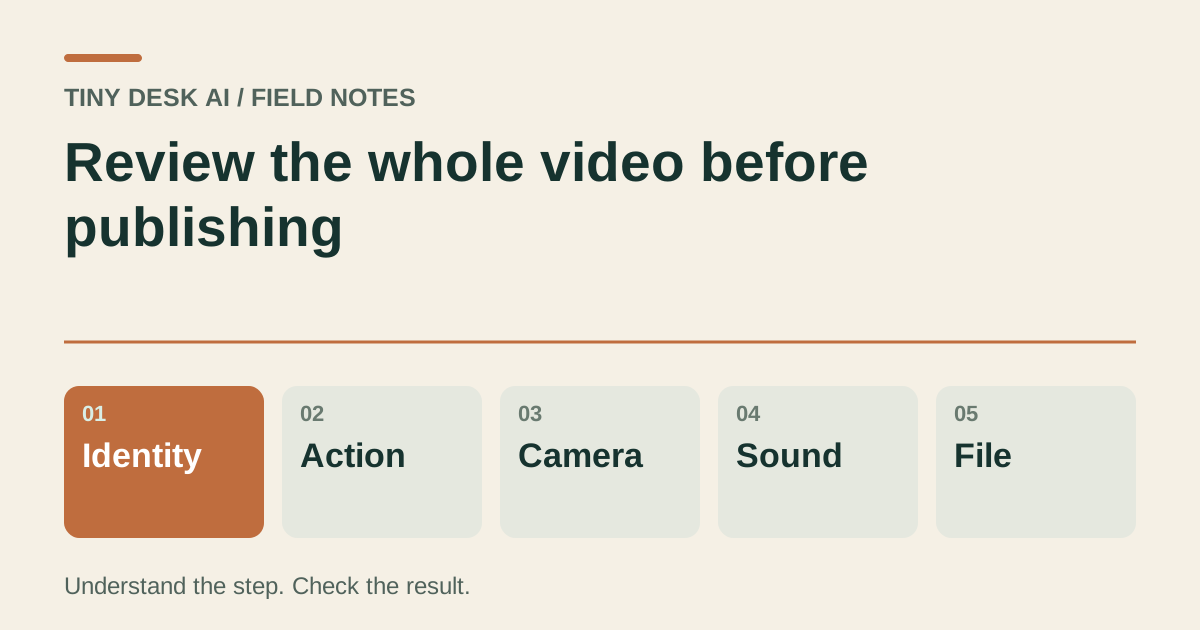
Make one complete pass for identity, action, camera, sound and the saved file before choosing a public version.
The short answer
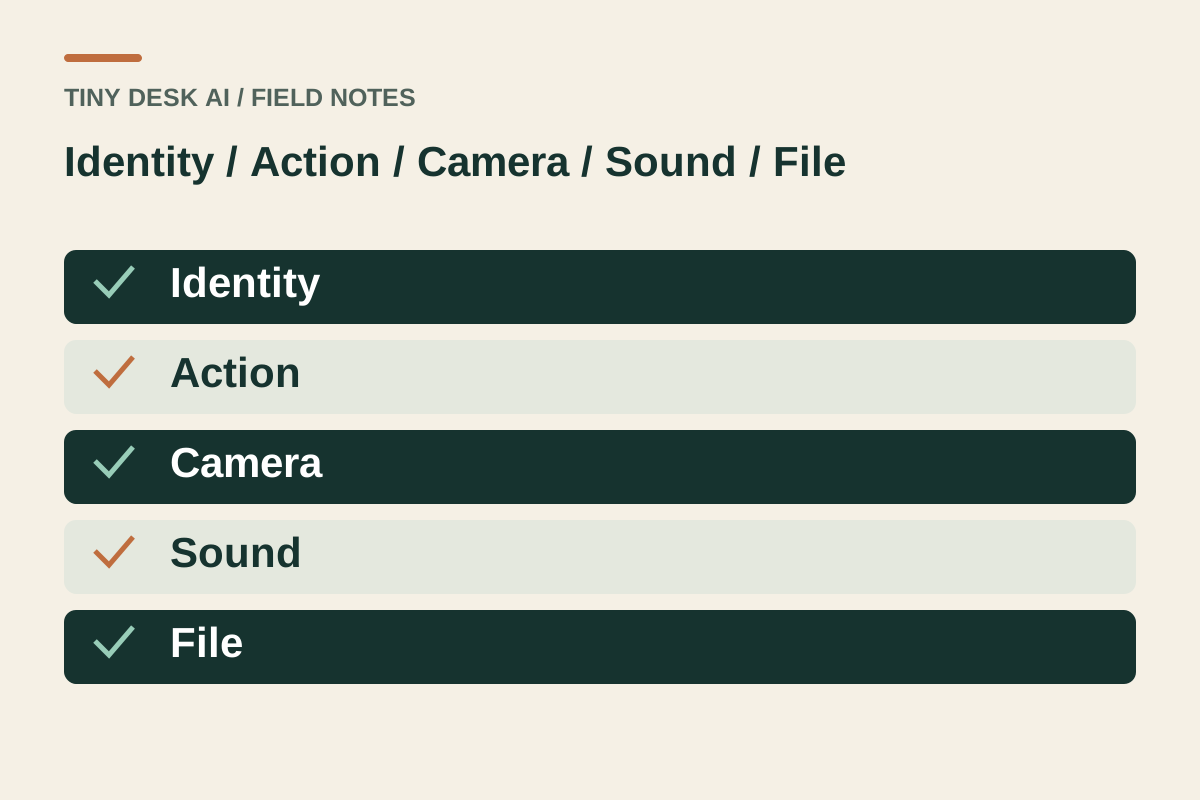
Review the full clip with sound, then replay any questionable interval. Check identity, movement, instrument contact, camera continuity and audio separately. A good opening, a playable file or a familiar office background cannot answer all of those questions.
In this guide
What to check
| Step | Check |
|---|---|
| Watch once without stopping | Judge the sequence before individual frames. |
| Compare the lead with the source | Review after cuts and occlusion. |
| Check the band and instruments | Look beyond the main face. |
| Listen to the complete soundtrack | Presence of sound is only the first question. |
| Check the file that will leave your device | A final edit creates another version to inspect. |
Watch once without stopping
Play from beginning to end at normal speed. Notice whether the lead stays recognisable, gestures lead into one another and the ending feels complete.
Only then pause or scrub. A sequence of attractive stills can hide an awkward transition or a changing performer.
Compare the lead with the source
Keep the source photo nearby. Check face shape, hair, glasses or pet markings when the lead first appears and whenever the camera returns.
Generated clothes and unseen body parts need separate judgement. Do not describe a plausible outfit as a faithful recreation unless the source actually showed it.
Check the band and instruments
Inspect the microphone, headphones, keyboard corners and visible hands or paws. Check that supporting performers remain coherent through motion and changes of view.
A smile can make a clip engaging while a hand merges with an instrument. Record the exact interval of the fault rather than relying on overall impression.
Listen to the complete soundtrack
Listen for a sustained new apparent voice, unwanted silence, abrupt endings and obvious mismatches with gestures. A familiar-looking performance does not establish the original song or precise lip sync.
If you use music from another source later, review the edited file again and confirm the track is permitted for the place you will publish.
Check the file that will leave your device
Open the downloaded or edited file. Check duration, sound and framing, then preview the receiving app’s crop before posting.
Keep the checked master. If something needs support, report the work, settings and time range; avoid repeated requests while the original task remains unresolved.
Questions about this task
No. It establishes delivery state, not whether the entire performance is suitable to publish.