
Save and share your video on a phone
Find the saved video, preserve its frame and check the receiving app’s sound and crop before posting.
The short answer
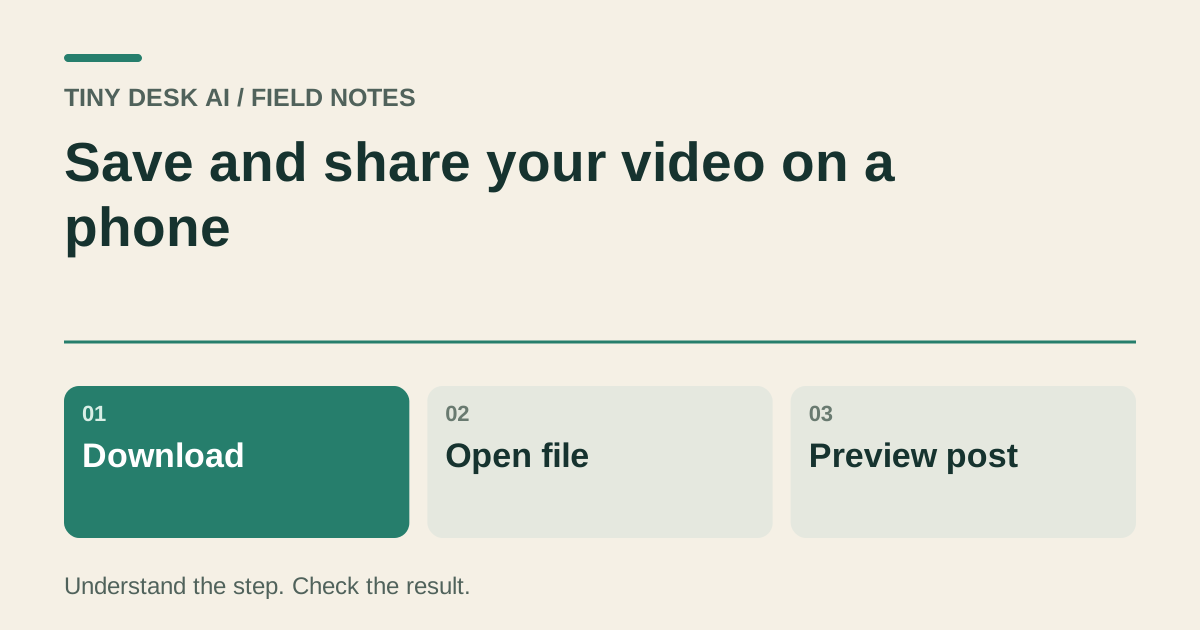
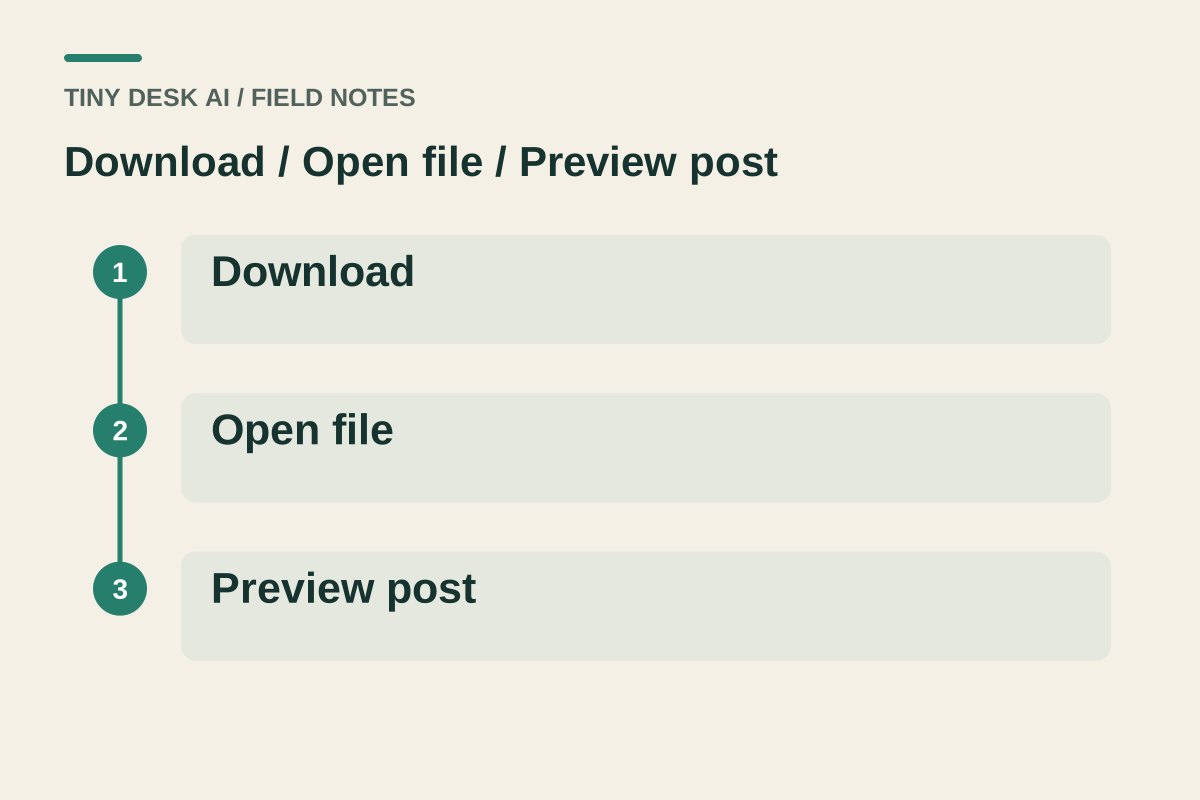
Download the selected completed work, open the saved video on your phone and then choose it in the app where you want to share. Check its picture and sound again in that app. A browser preview, poster image and video file are different objects.
In this guide
What to check
| Step | Check |
|---|---|
| Choose the approved work first | Similar cards can contain different endings. |
| Find where the download was saved | Downloads and the photo library are different locations. |
| Inspect the destination crop | The next app can fill the screen differently. |
| Review sound after any edit | Music replacement creates a different version. |
| Keep a checked master | Compare the post with the file you approved. |
Choose the approved work first
Open the version you intend to share and play it in full. If you generated several attempts, use the work details to distinguish them rather than relying on nearly identical thumbnails.
Keep the original file before making a social edit. A shorter edit can remove a gesture or instrumental ending that matters to the reference.
Find where the download was saved
Use the selected work’s download action, then inspect your browser’s download list or device file manager. The file may not appear in the photo library immediately.
Open it directly and check that it is a playable video, not a saved poster or an incomplete file. A download notification alone does not show the whole result.
Inspect the destination crop
Choose the saved file in the receiving app and look at its preview. Check the lead’s head, the keyboard and important gestures near the edges.
Move captions or stickers away from faces and instruments. A graphic that looks small in the editor can cover an important detail in the posted view.
Review sound after any edit
Listen after trimming, adding text or changing audio. Check that the selected sound starts where you expect and does not end abruptly.
Use only audio you are permitted to publish on that platform. Access to a sound in one context does not automatically establish permission for every export or destination.
Keep a checked master
Retain the original downloaded video and label later edits clearly. If the published version looks different, compare it with that master before creating a new generation.
If a download fails, use the existing work’s recovery path or contact support. A file-transfer issue does not automatically require another paid video.
Questions about this task
It may be in the browser’s Downloads or the device file manager. Check those locations and open the video.