
Choose photos and understand band roles
Distinguish one lead portrait, a group photo, separate identity slots and a pet interpretation before preparing inputs.
The short answer
An upload file count and an output performer count are different. One portrait can identify a lead while other band members are generated. A group photo does not necessarily provide separately controlled identities. Only prepare the roles and inputs the selected studio mode actually supports.
In this guide
What to check
| Step | Check |
|---|---|
| Count input slots, not people in the preview | A cast of five does not necessarily require five photos. |
| Distinguish a group image from separate portraits | The same file can contain several ambiguous faces. |
| Treat role assignment as a real control only when exposed | Only the role assignments shown in the studio are available. |
| Prepare pets for their own interpretation | Animal identity and anatomy need independent checks. |
| Compare the complete quote for the chosen mode | More input files do not explain the price by themselves. |
Count input slots, not people in the preview
On this site, Just me uses one photo for the lead singer. My pet uses one pet photo for the featured animal; the other band members are generated. Seeing a five-person reference does not mean this tool accepts five independent identities.
Read the visible slot labels. Do not infer that each face in a sample is an independently supplied identity.
Distinguish a group image from separate portraits
Two photos uses separate identity slots: photo 1 is the lead singer and photo 2 is the saxophone player. Check both selected photos and keep the slot order when returning to a draft.
One photo of both uses one photograph containing two people: the person on the image’s left is the lead singer and the person on its right is the saxophone player. Keep both faces large and clear. A distant group image with extra people is not the same input.
Treat role assignment as a real control only when exposed
Lead singer, keyboard player, backing performer and saxophone player are meaningful roles in the reference. That does not establish that every generator lets you select each one.
The current modes provide one lead identity or the specified lead-and-saxophone pair. They do not offer five independently assigned people or a mixed person-and-pet cast. Do not use extra faces to try to create those unsupported combinations.
Prepare pets for their own interpretation
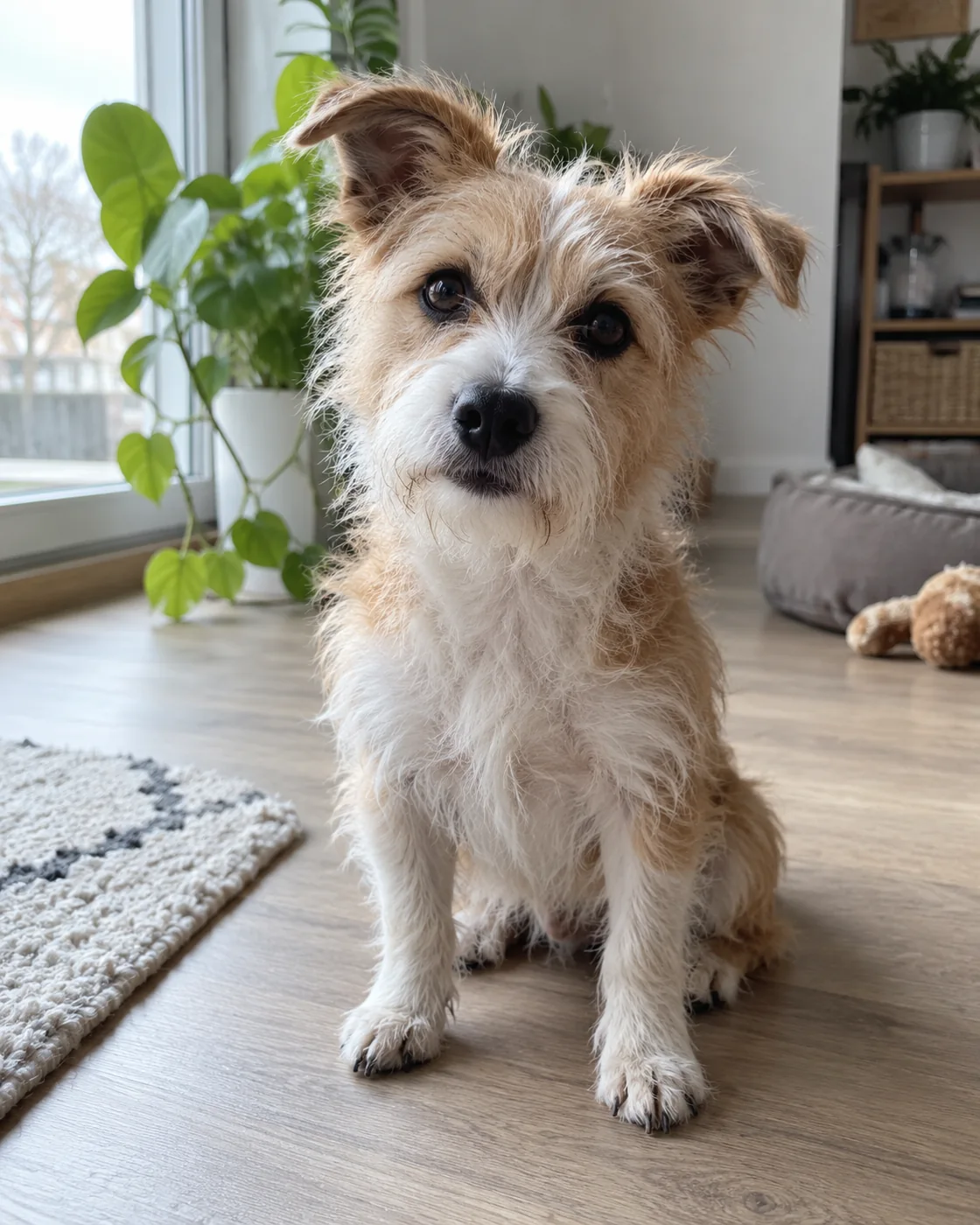
Choose a pet image with visible ears, muzzle, coat and body shape. If a pet mode is available, select it rather than relying on a human preset to infer the species.
A pet band can be a playful reinterpretation. Check markings, limbs and prop contact in the actual output; a successful person video does not establish pet quality.
Compare the complete quote for the chosen mode
Read the studio’s current quote after choosing the supported input mode and settings. A competitor charging the same amount for one and five photos does not establish this site’s tariff.
Keep your input and role expectations with the work record. Review each requested identity in the whole clip, especially after cuts and in close views.
Questions about this task
Only if the selected mode explicitly requests those identity slots. Output cast size and upload count are different.